



Phone verification path
See which phone details we request, where the verification prompt appears and how confirmed access differs from a failed attempt. The page also points directly to help when the verification message does not arrive.

sr996 puts No Commission Baccarat, Aviator Quick Arena, slots and sportsbook markets on one home screen, with DANA and QRIS status close to the lobby.
Access is available only where local law permits.
Casino rooms appear first, followed by live tables, slots, fishing games and sportsbook access through one clear home screen.
Pragmatic Play, PG Soft and Habanero sit alongside established Asian-facing studios, giving our home lobby recognisable slot and table categories.
DANA, OVO, GoPay and QRIS appear as named choices inside our cashier, so you can select the wallet you actually use rather than guessing from an unnamed icon.
Five durable areas answer practical questions from the home page without making you search through promotional panels.
See which phone details we request, where the verification prompt appears and how confirmed access differs from a failed attempt. The page also points directly to help when the verification message does not arrive.
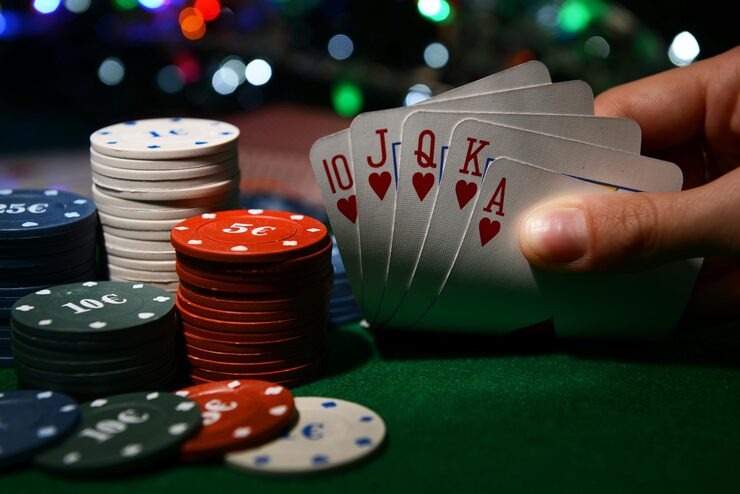
Check whether DANA, OVO, GoPay or QRIS is available before starting a transaction. Receipt references and pending status remain connected to the cashier path for easier follow-up with our support team.
Open game-specific rules before choosing a stake or table. No Commission Baccarat shows its table context separately from Dragon Tiger, blackjack, roulette and streamed dealer rooms, helping you compare formats.
Read the displayed eligibility and location wording before account use. Availability depends on local law, and our access area keeps that condition visible rather than hiding it inside a game or transaction screen.
Phone verification is the first account checkpoint on our home page, so you know which step comes before lobby access.
Choose the account option, enter the requested phone details and complete the verification prompt. We show the result before account access, reducing confusion between creating an account and returning to an existing one.
Use a phone number and personal details you can verify later. Matching details matter when we check a withdrawal request, so correcting an error before your first transaction avoids extra status checks.
Casino tables, mobile slots, Fishing War Arcade and sports markets for football, badminton and basketball sit behind the same account. The home navigation keeps each category separate without requiring another profile.
Keep your verification code private and close sessions on shared devices. We use the verified phone path for account access checks and direct you to support when a login attempt or personal-detail check stalls.
A phone browser takes you from account access to the main lobby without requiring a separate app.

Phone verification creates a clear checkpoint before account access, while session controls help you close the lobby after using a shared device.
A single home screen reduces the need to search separate pages for casino rooms, sports markets, wallet status and contact options.
Game return data varies by title, studio and configured version, so we direct you to the value shown in the game screen or attached rules rather than publishing one figure for the…
Check the studio rules and displayed return value for the exact slot version you open; figures can differ between titles and configurations.
No Commission Baccarat uses table-specific rules. Read the commission, side-selection and settlement fields shown before joining a streamed table.
Table variants can change available selections and rule details, so use the attached game panel rather than assuming every room behaves alike.
Fishing War Arcade follows its own control and result structure. Open its rules screen before choosing session settings or starting a round.
Football, badminton and basketball selections display market-specific settlement terms. Read the market label and event status before confirming a selection.
Our home page is configured for Indonesia payment rails and browser access, including DANA, OVO, GoPay, QRIS, virtual account and bank transfer. From Denpasar, you can open the same phone-based lobby path used elsewhere in supported Indonesian regions, subject to connection quality and account checks. Availability depends on local law, so confirm the access terms shown for your location before creating or using an account. The map reference indicates market focus rather than unrestricted availability.
Six practical elements define what you can do from the home screen: verify an account, search slots, enter live tables, inspect sports markets, check wallet status and contact…
These answers cover the questions customers most often ask before using the sr996 home page: what sits inside the lobby, how phone verification works, which Indonesian payment rails appear, what mobile access requires and where help is located. We also explain regional availability and withdrawal checks without making fixed timing claims. Open the relevant home area to see the current status attached to your account or transaction.
Begin with the category row if you already know whether you want casino, slots, live tables or sportsbook markets.
Choose casino, slots, live casino, fishing or sportsbook from the category row. Each selection opens its own area while preserving a direct route back to the sr996 home.
Open the account area to complete phone verification, inspect access status or check personal details. Contact support before proceeding if the displayed information does not match what you submitted.
Select DANA, OVO, GoPay, QRIS, virtual account or bank transfer after confirming availability. Keep the receipt reference visible until the transaction status has updated in your account.
Use policy links for account, privacy, transaction and regional access terms. For a specific issue, choose live chat, email or mobile help and provide only the details needed for the check.